Step 1: Describe your vision
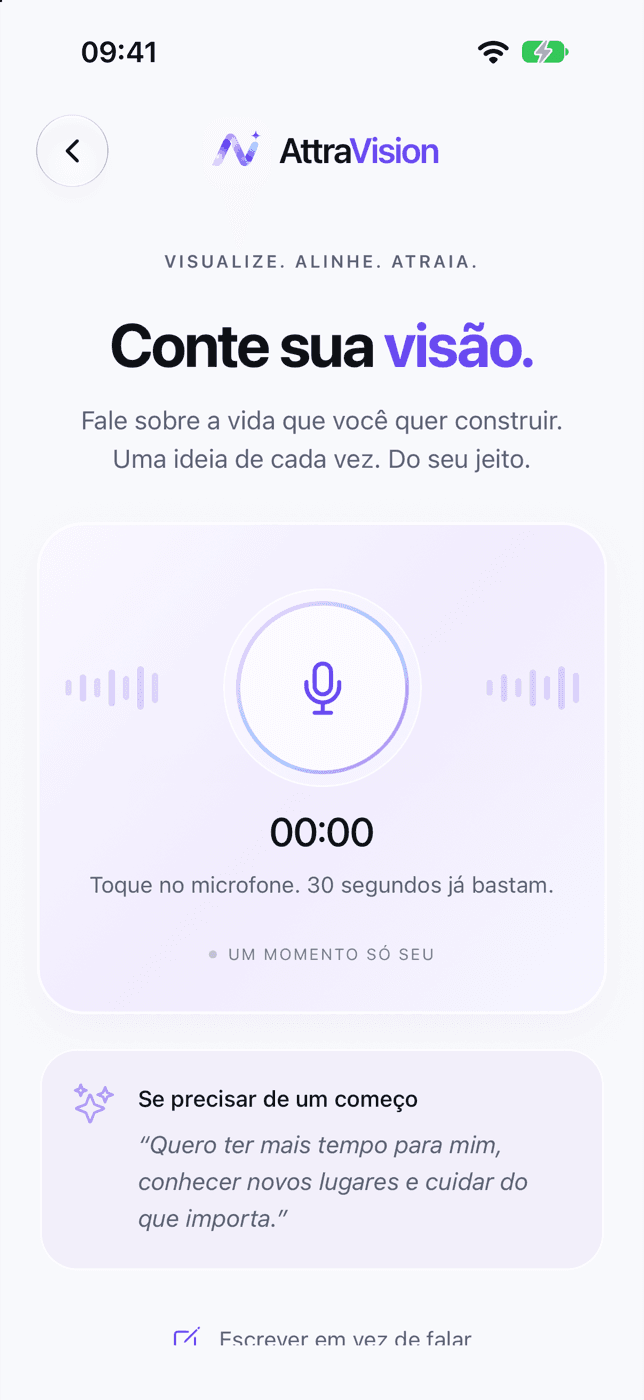
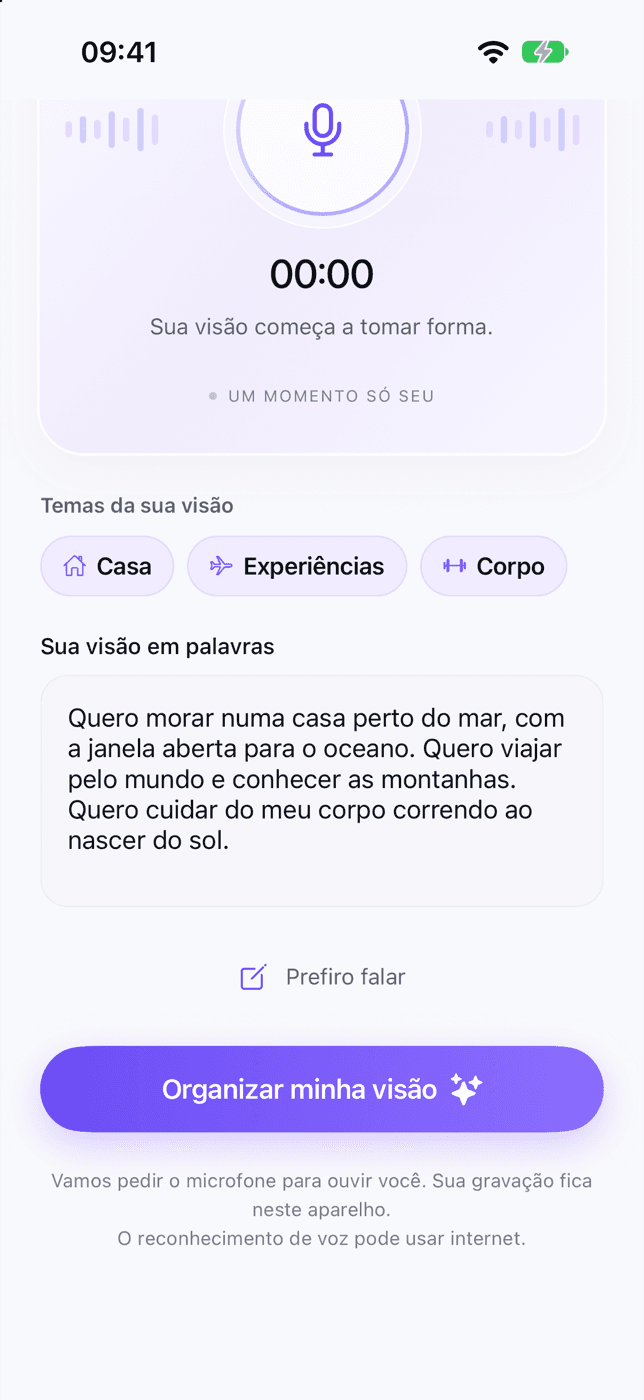
Speak or write about the life you want to build. As you go, the app picks up the themes — home, experiences, body — and organizes everything into dreams.
- By voice or by text
- You review everything
 Your vision
Build a board with your own photos, hear your affirmation in your own voice and do a 3-minute ritual. The app keeps proof that you're moving forward.
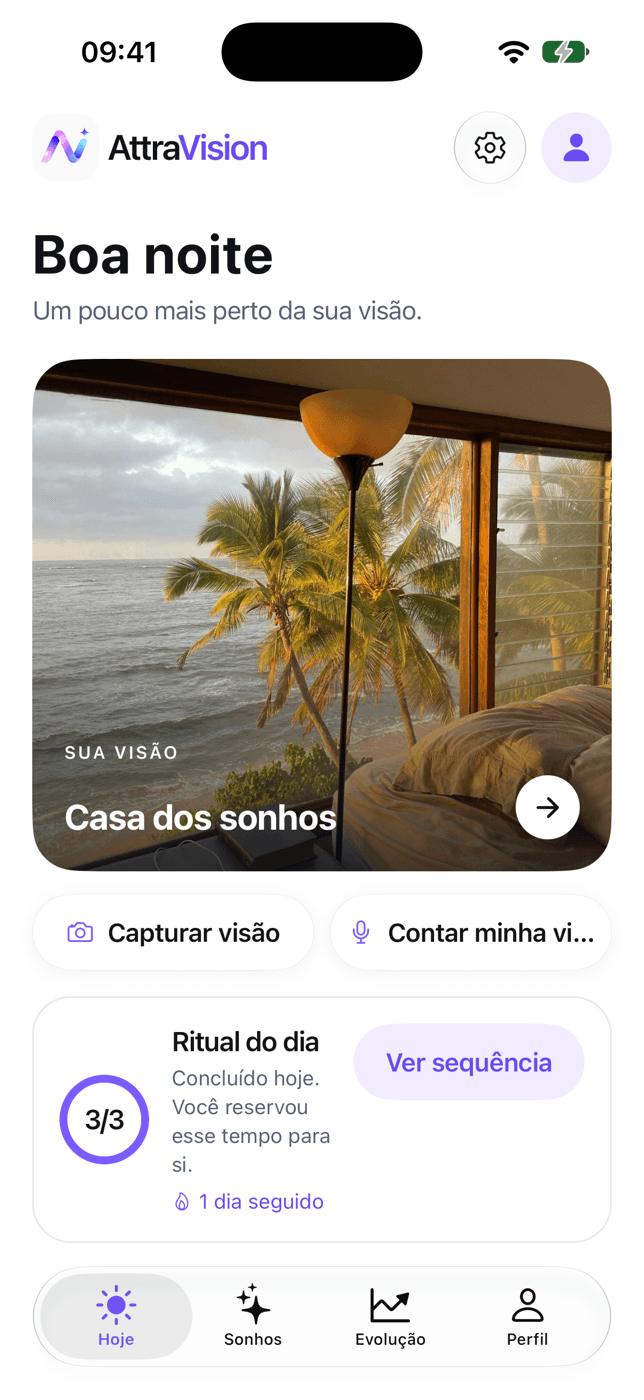
App screens shown from the Portuguese version.
No banners between you and your moment of the day.
Nothing is sold or turned into ads. Your voice recording stays on your device.
See the price before you subscribe, get a reminder 2 days before your trial ends and cancel right in the store.
Plain words and no hype about the life you want to build.
Vision board
Home, travel, body, work: each dream gets a photo, an affirmation and a first step — and stays in sight every day.
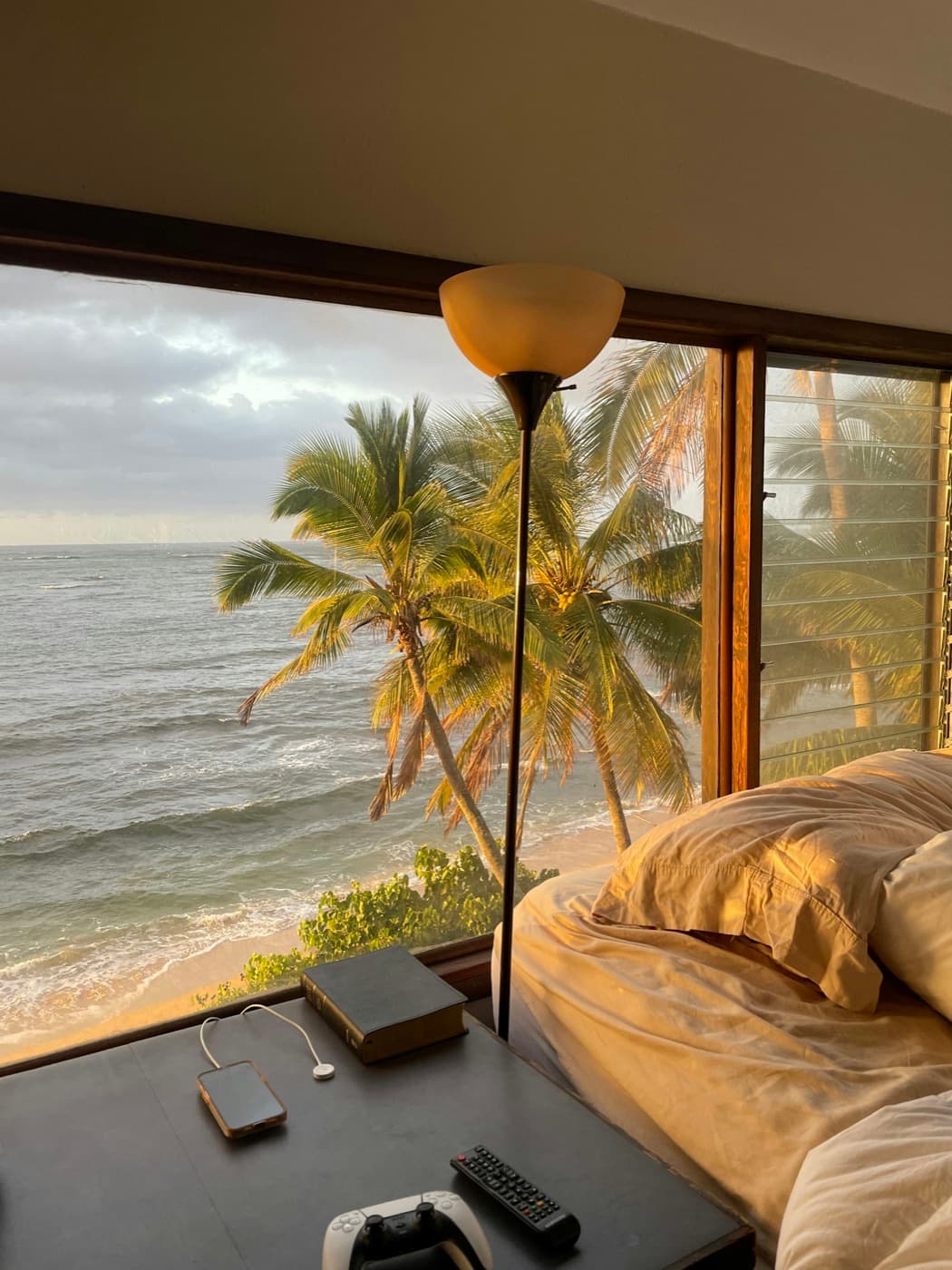 Home
Home Experiences
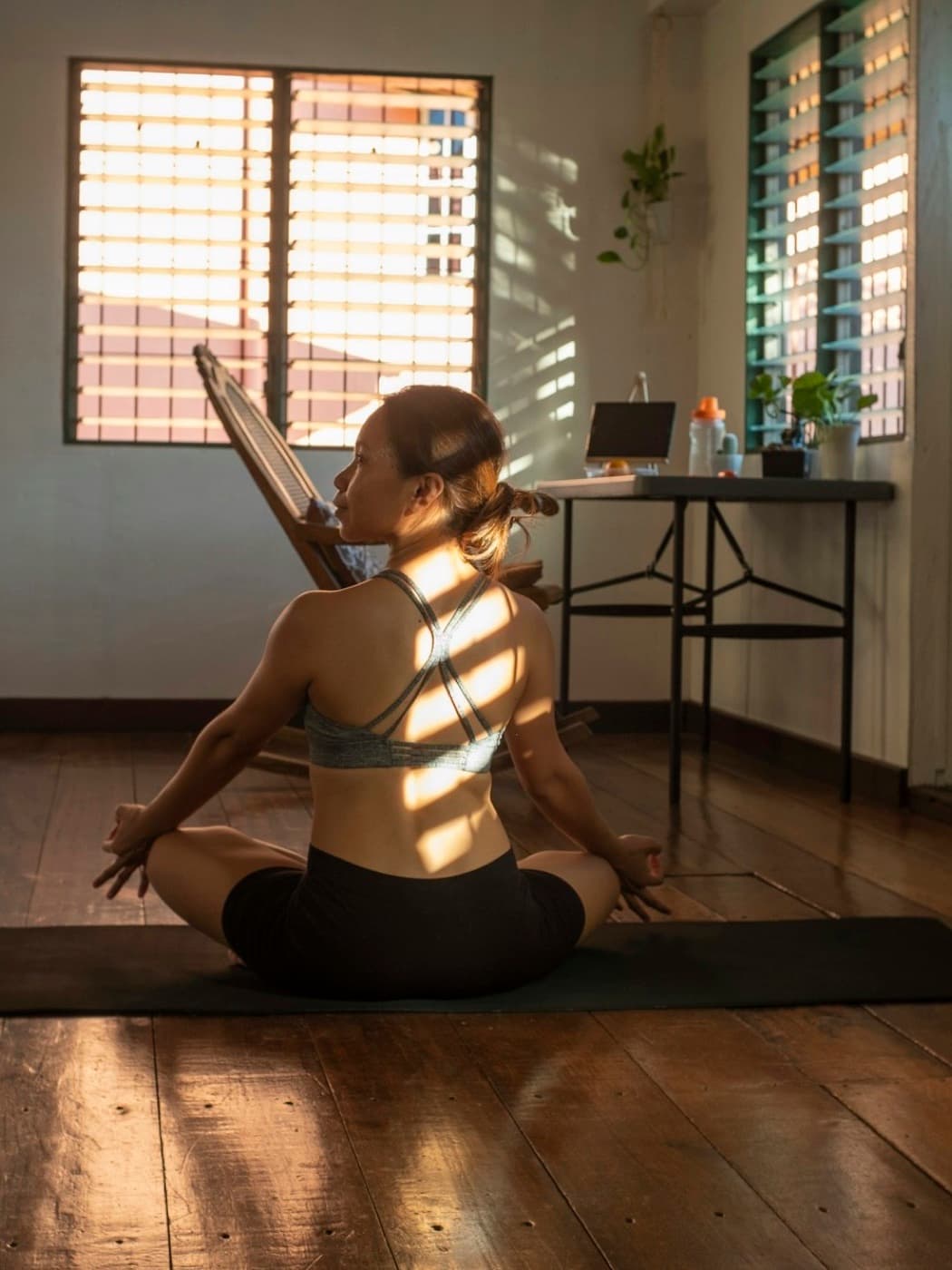 Body
Body Work
Work Rest
RestHow it works
You describe what you want, see it all on a board, practice a few minutes a day and the app keeps track of what you did. A small loop, on purpose: repetition is what changes how you see what you want.
Speak or write about the life you want to build. As you go, the app picks up the themes — home, experiences, body — and organizes everything into dreams.
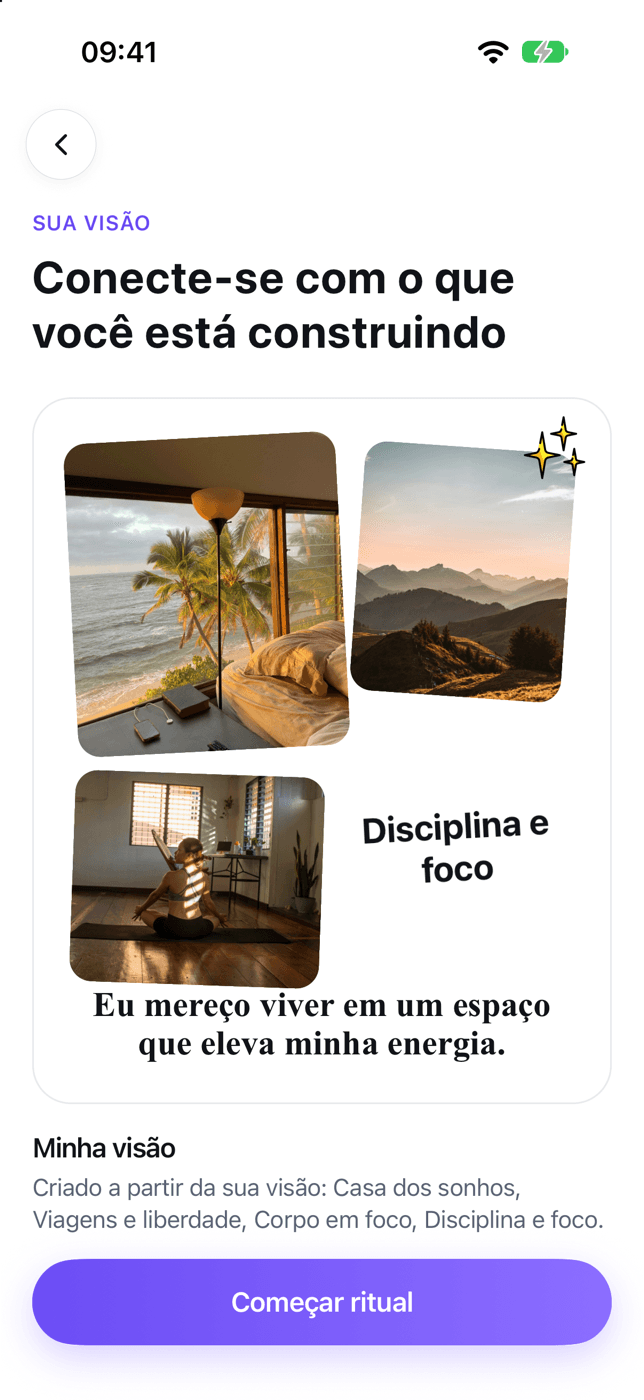
Your dreams become a vision board, with photos and an affirmation. Add your own photos and change the words whenever you like.
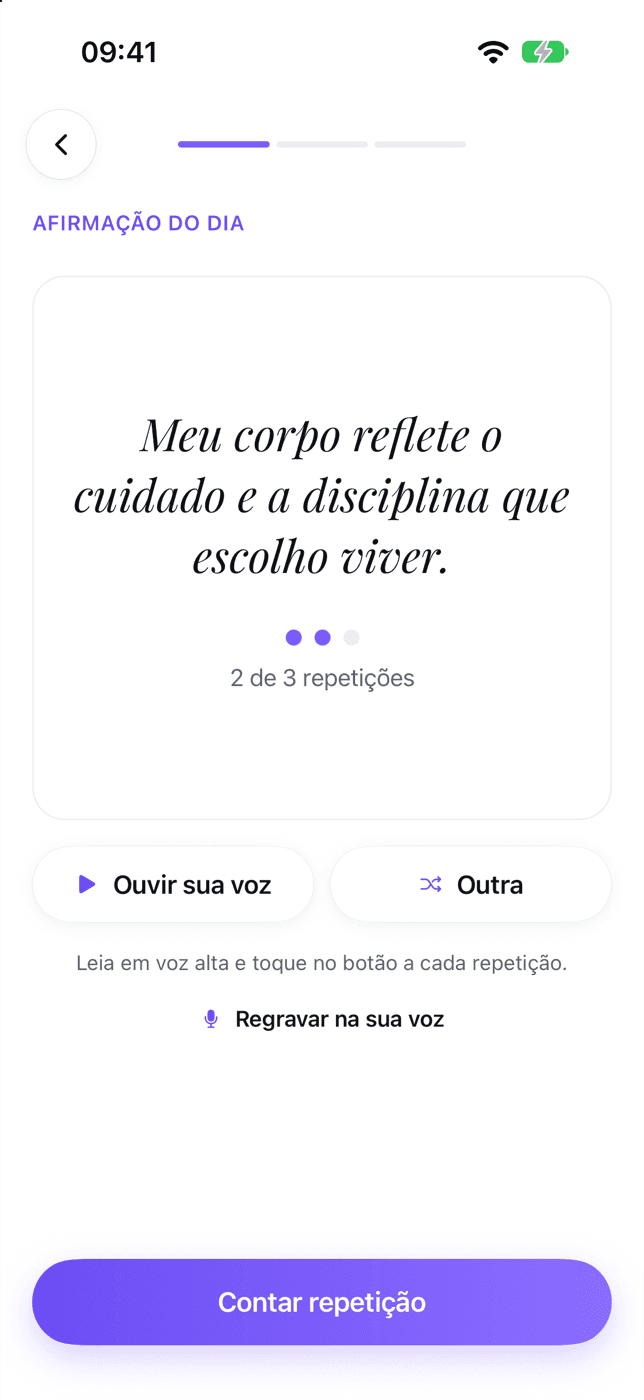
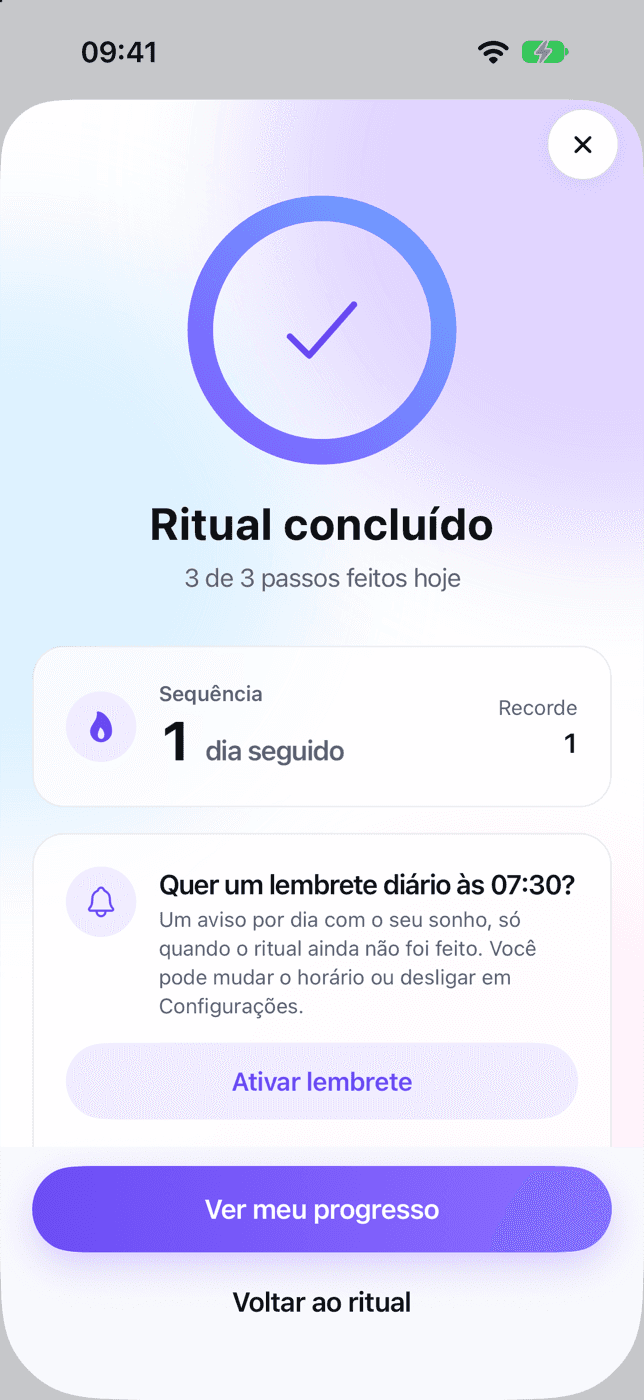
Affirm, visualize, act: the daily ritual takes about 3 minutes. Your affirmation can play in your own voice.
Every action, photo and gratitude note goes into your proof vault. Each week, “Your week” shows what you did, with real numbers.
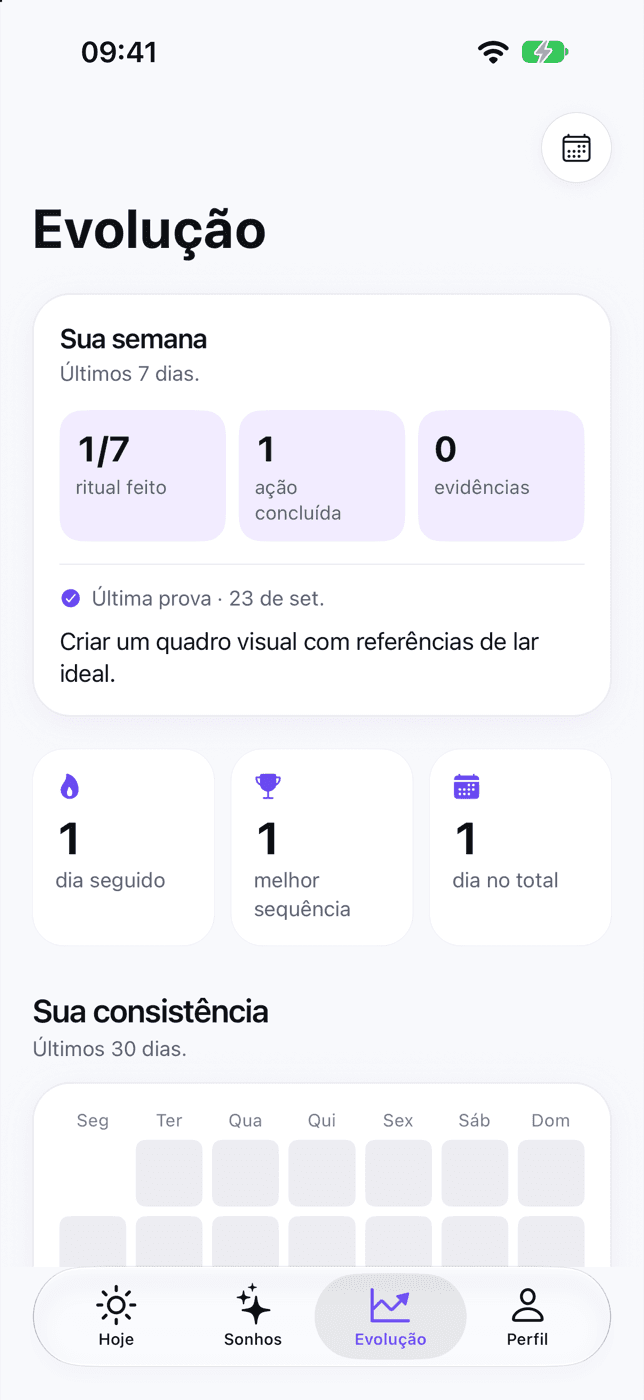
Guided start
Before your first ritual, a few questions tailor the affirmations and the ritual to what you want to change. You finish with a simple plan for every day.
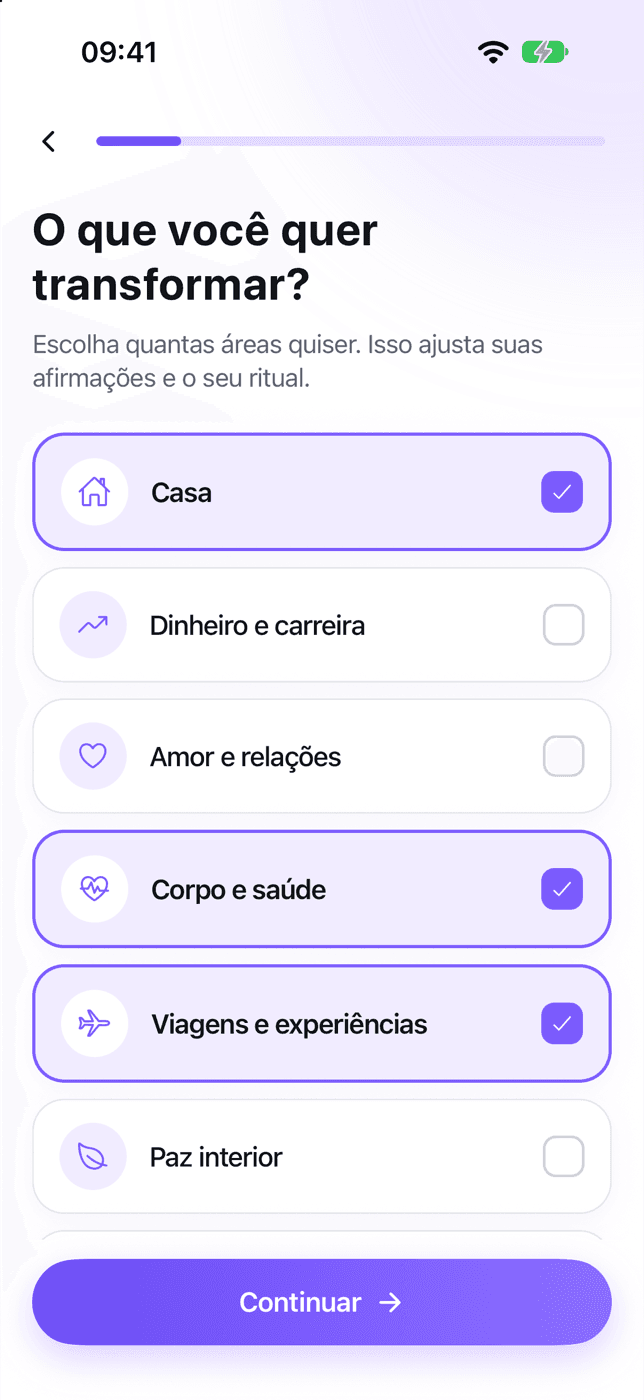
Choose the areas that matter right now. This shapes your affirmations and your ritual.
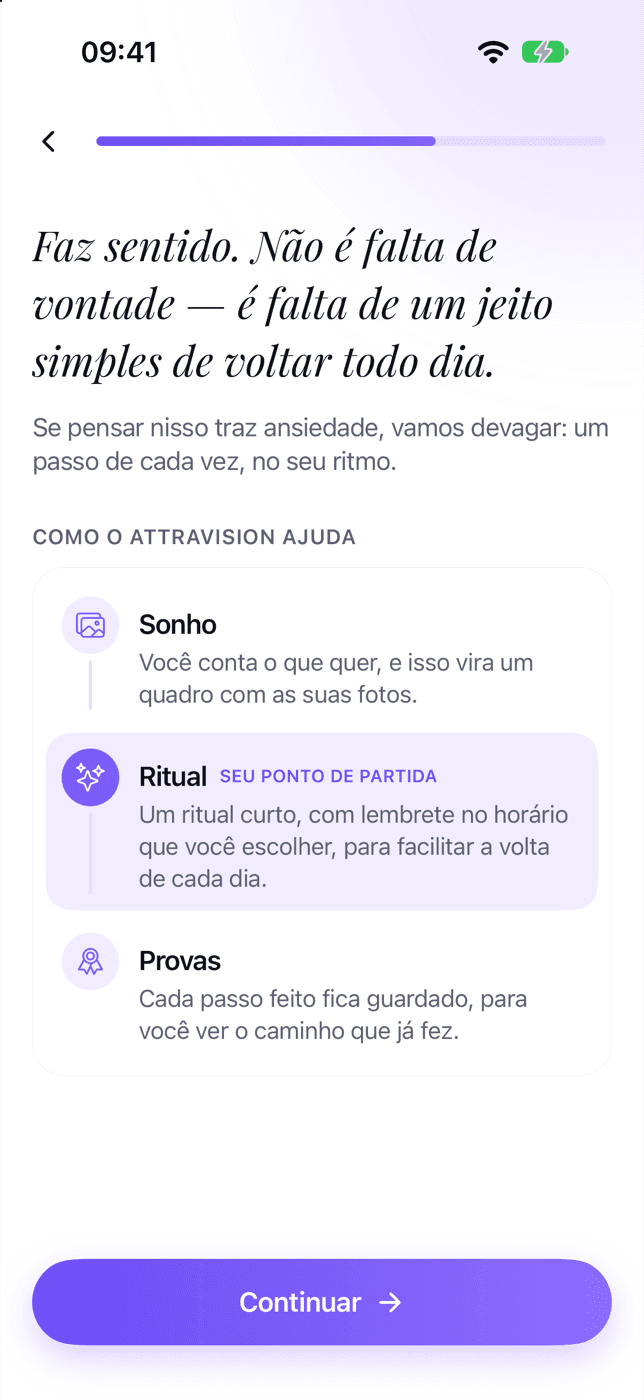
It's not a lack of willpower: the app shows you a simple way to come back every day.
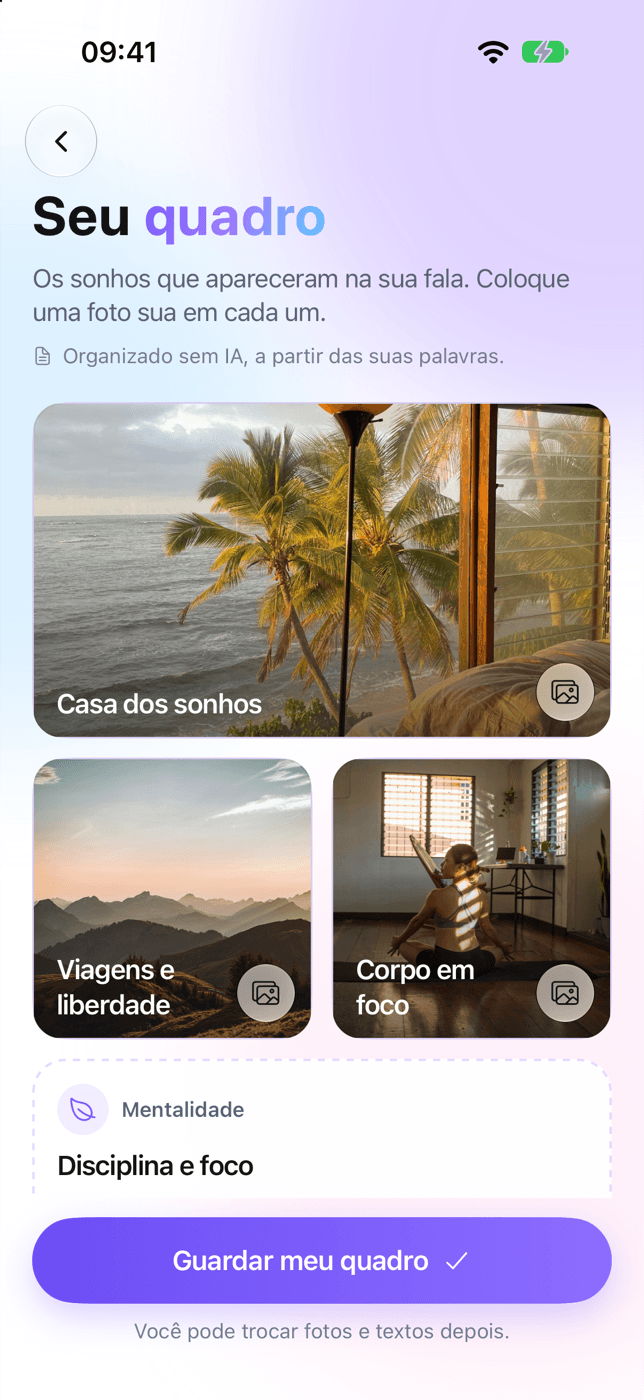
The dreams that came up as you talked become a board, with your own photos.
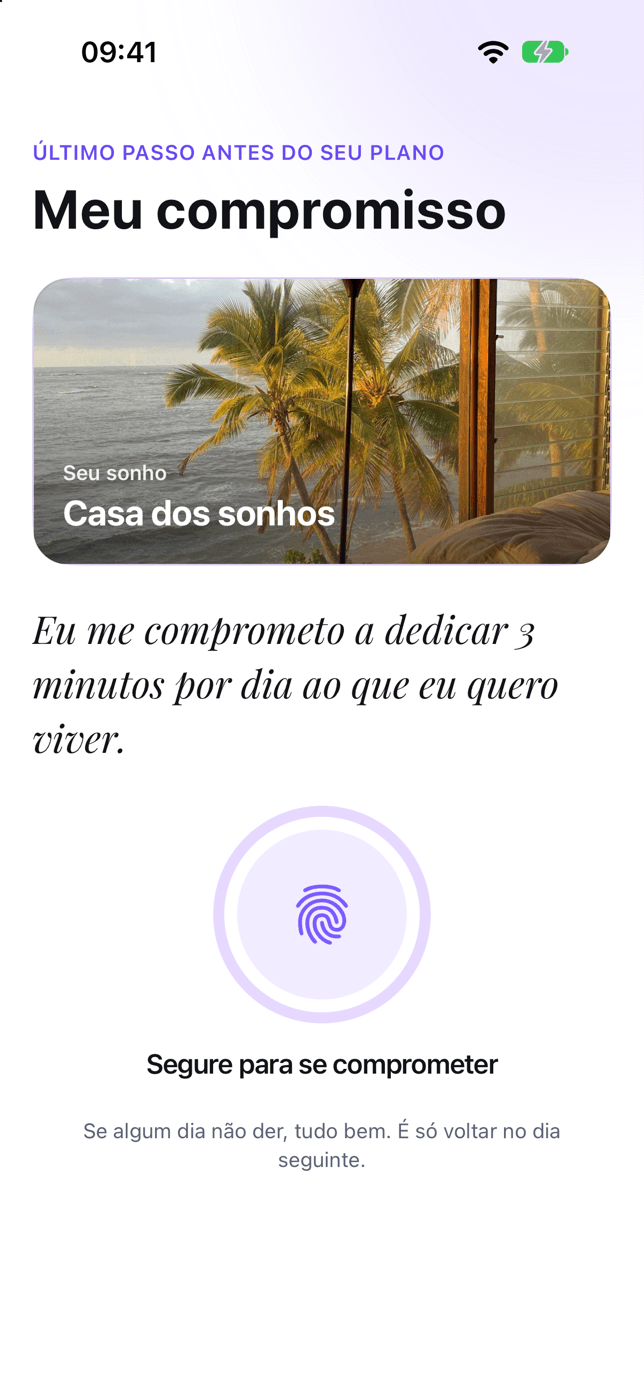
Three minutes a day. If a day doesn't work out, just come back the next one.
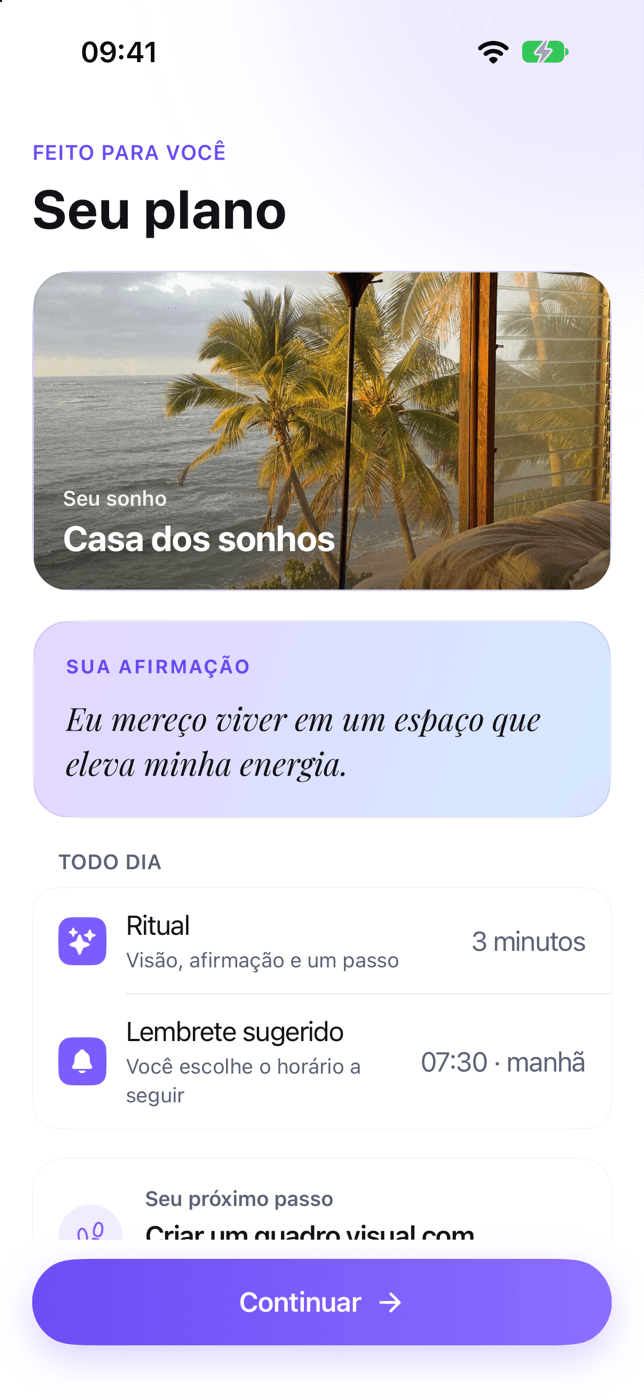
A dream, an affirmation, a ritual and a reminder at the time you choose.
Affirmation in your own voice
“Today I take the next step toward my dream.”
Record the sentence once — up to 30 seconds — and that's what plays in the ritual and in the guided visualization. No synthetic voice pretending to be you. The recording stays on your device.
One recording per dream — re-record it anytime.
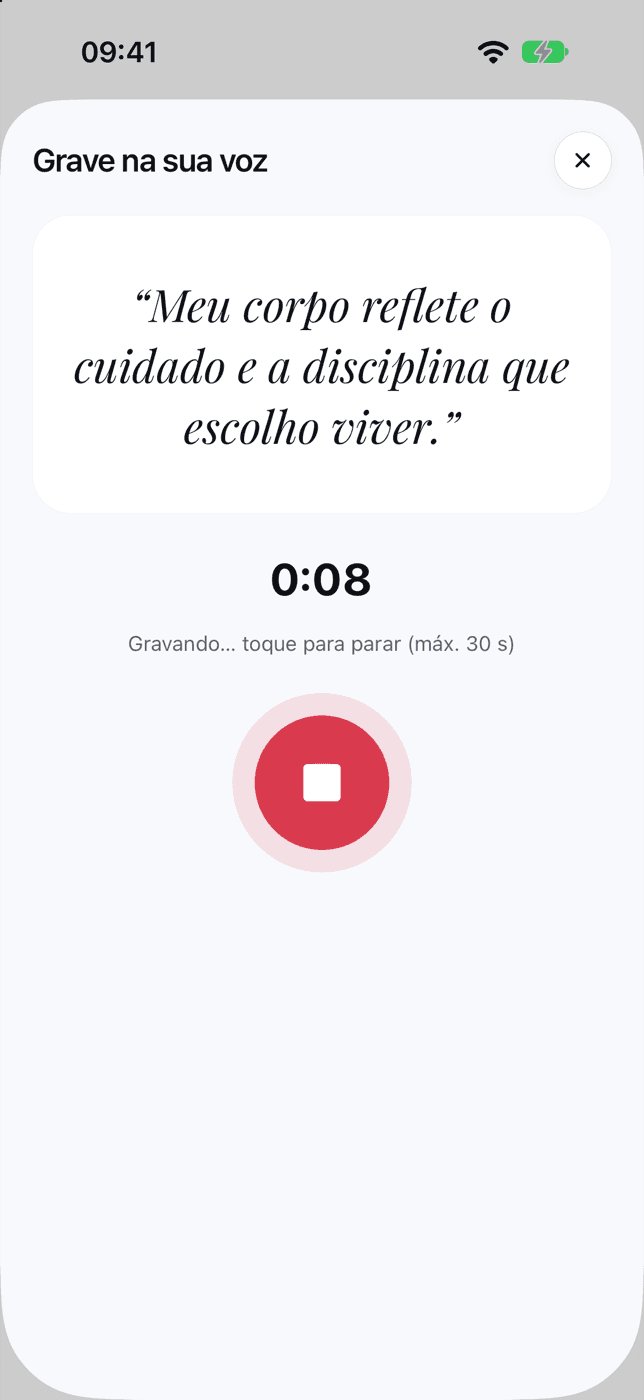
Up to 30 seconds
Stays on your device

Guided visualization
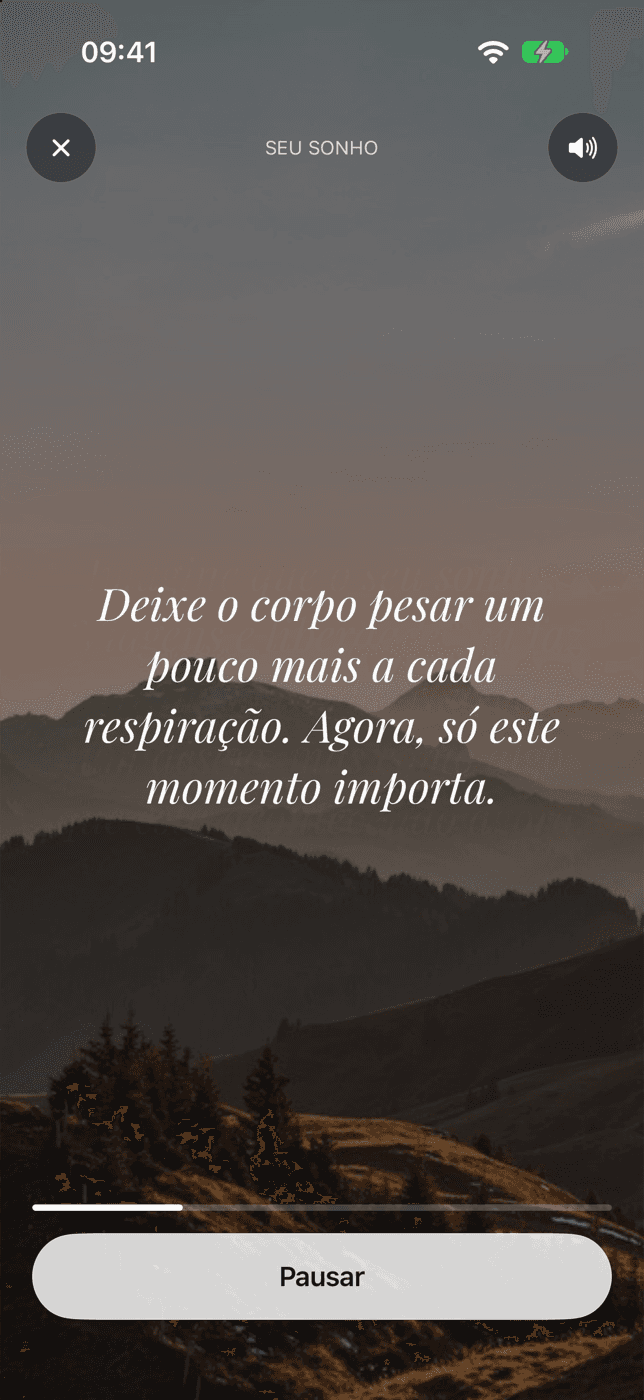
A calm narration guides you through the scene of your dream, with its photos on screen and soft ambient sound. If you recorded your affirmation, it's your own voice that repeats it.
3 or 5 minutes, at your own pace.
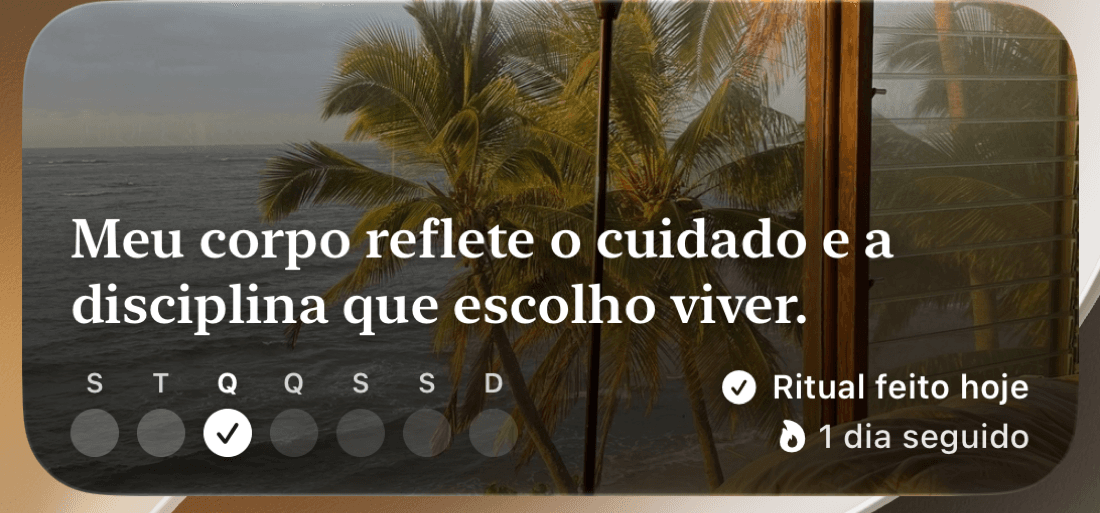
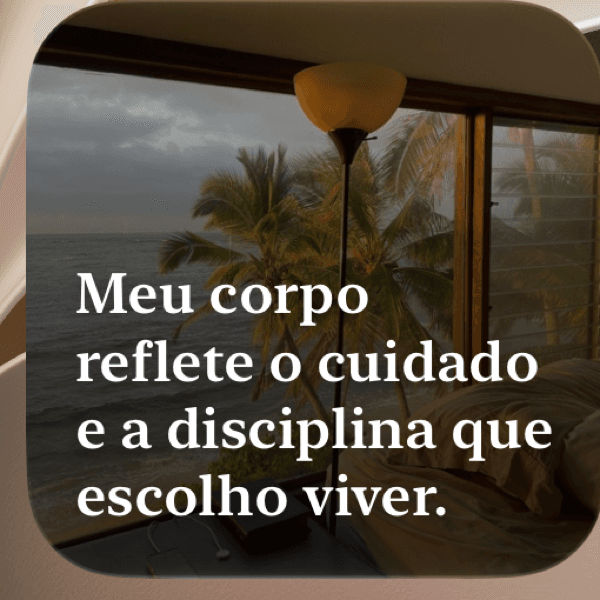
“Your Vision” widget
Your dream photo, the affirmation of the day and whether today's ritual is done — without opening the app.
Available on iPhone (iOS 17 or later).
Features
Every piece is there for a reason: to make coming back tomorrow easier than today.
Speak or write about what you want to live. The app organizes it into dreams, each with a photo and a first step — and you can edit anything.
Build boards with your photos, quotes and stickers. Drag, rotate, resize and undo whenever you want.
Tracks to visualize, focus or slow down — plus affirmations to listen to at bedtime.
Three lines a day are enough. Each gratitude note also goes into your proof vault.
Programs that last a few days, with a beginning, a middle and an end, for when you want direction instead of a blank screen.
One hard day doesn't erase weeks of practice: protection keeps your streak going — up to 3 times a month.
Pricing
Subscribe to PRO and use all of AttraVision, every day. The annual plan starts with a 7-day free trial — cancel before it ends and you won't be charged.
$9.99per month
to try it month by month
$39.99per year
that's $3.33/month
Today
Your trial starts. Nothing is charged.
Day 5
Reminder: 2 days left in your trial.
Day 7
You're charged $39.99, unless you cancel at least 24 hours before.
Prices in US dollars (US App Store and Google Play). Prices vary by country and currency; the app shows the exact price before you subscribe. Billing is handled by the App Store or Google Play, and your subscription renews automatically until you cancel in the store. The 7-day trial applies only to the annual plan, once per store account; the reminder before it ends requires the app's notifications to be on. Full terms
FAQ
Still have questions?
Write to contato@attravision.com. We reply within 2 business days.
Go to SupportNot yet. The app is getting its final touches before it arrives on the App Store and Google Play. Everyone on the waitlist gets an email the day it opens.
AttraVision is a subscription with full access. The annual plan starts with a 7-day free trial: cancel before it ends and you won't be charged. Some versions of the app also let you try part of it before subscribing — the app always shows what's included and the price before any charge.
The annual plan comes with a 7-day free trial, once per store account. You see the price before you subscribe, and the app reminds you 2 days before the trial ends (if notifications are on). Cancel at least 24 hours before it ends and you won't be charged. The monthly plan has no trial.
Right in the store, without having to talk to anyone. On iPhone: Settings → your name → Subscriptions. On Android: Google Play → profile picture → Payments & subscriptions → Subscriptions. You keep PRO until the end of the period you paid for. Your boards and dreams stay saved in your account: if you subscribe again, everything is still there.
Step-by-step guide in SupportNo. AttraVision requires an account — you sign in with Apple or Google, with no password to create. Your account keeps your dreams, boards and progress safe and brings everything back on any device. The one exception is the affirmation recorded in your own voice, which stays only on your device.
No. The affirmation you record in your own voice is saved only on your device: it isn't sent to our servers or used to train anything. You can listen to it, re-record it or delete it whenever you want.
Read about privacyThe everyday essentials work on your device: viewing your board, doing the ritual, listening to your recording and writing your gratitude notes. A connection is needed to sign in and sync, organize your vision into dreams, search for reference images, and subscribe or restore purchases.
For us, it's a practice of focus and intention: knowing what you want, keeping it in sight and taking one small step a day. The app helps you keep that habit. It doesn't promise results or timelines, or that anything will happen through thought alone.
The launch is planned for both stores. For now, the “Your Vision” widget is only available on iPhone.
In the app: Profile → Settings → Delete account and data. This deletes your account, boards, dreams and photos from our servers. If you can't access the app, email contato@attravision.com with the subject “Delete account” from your account's email address.
Everything about account deletionWaitlist
AttraVision is coming soon to the App Store and Google Play. Leave your email and we'll let you know the day it opens — calmly, no countdown.
One email when the app opens, and nothing else. Leave the list anytime. How we use your email
Coming soon for iPhone and Android